
 0:15
0:15MiniMax H3Create 2K AI Video with Audio from Text or Images Online
Hailuo 3.0 / 海螺3 · Text-to-Video & Image-to-Video · Synced Audio
AI VideoAI Image
Text-to-VideoImage-to-VideoReference-to-Video
AI Enhance0 / 7000
 MiniMax H35s · 480p · 16:9
Try an exampleStart free
Settings
MiniMax H3 · 5s · 480p · 16:9
Try an example
Start free
DEMOS
MiniMax H3 clips makers are shipping
Twelve studio showcase clips in a live marquee — hover to preview audio-ready T2V, I2V, MV, and brand looks.
0:15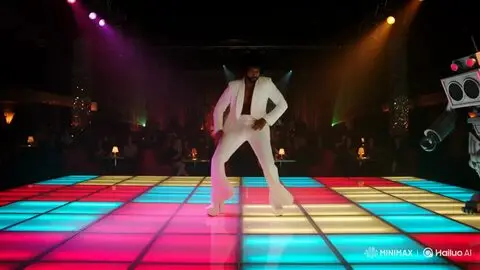 0:15
0:15 0:15
0:15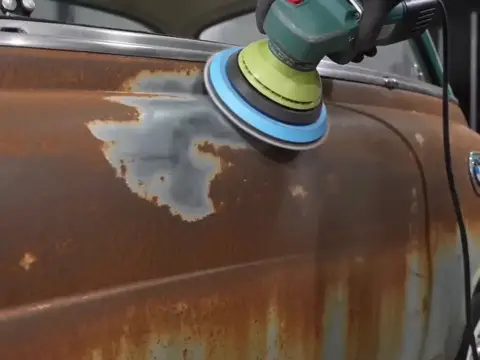 0:15
0:15MiniMax H3 works with image, video, and audio references
Community cases with published inputs, plus live studio routes: text-to-video, first-frame image-to-video, and reference-to-video.
On minimaxh3.art today: Text-to-Video, Image-to-Video (first/last frame), Reference-to-Video (up to 9 images · 3 videos · 3 audio), duration / aspect / quality, credits.
Image15s2K class
Input
 char still
 env still
Output
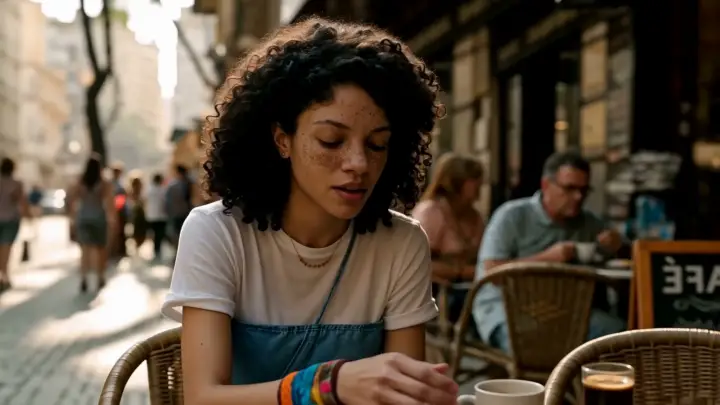
Workflow: Image 1 locks character + wardrobe; Image 2 locks bridge / city — identity stays stable through the scene.
Both stills are photos attached to the original X post.
Community case@Diplomeme·Catalog #03View on X
▶MiniMax H3 studio
Turn references and prompts into a finished scene
Three strengths in one product story: multimodal reference, controllable generation, and commercial-ready delivery with synced audio — generated in the minimaxh3.art studio with credits.
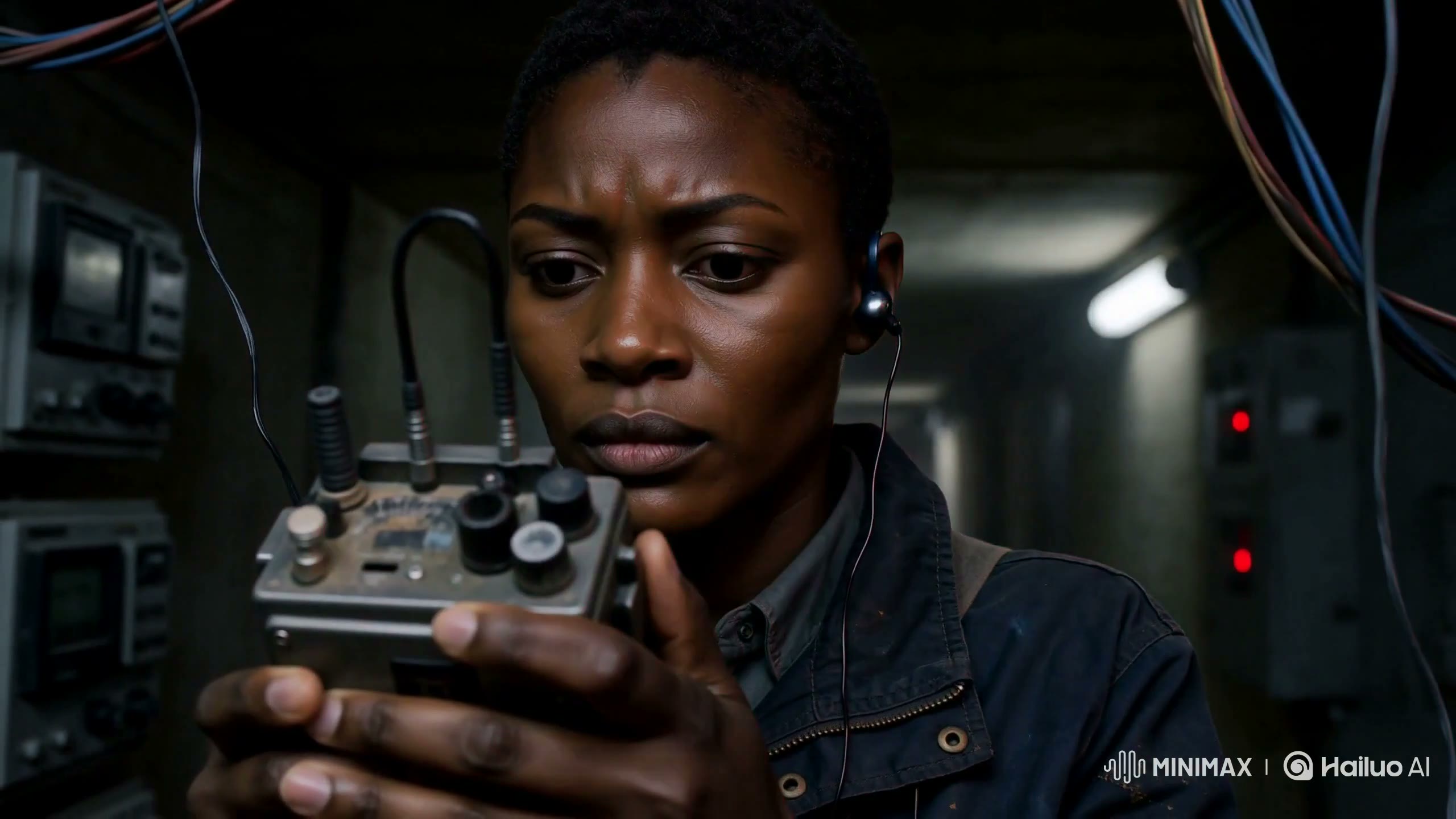
Fuse multimodal context into one shot
Official H3 demo: blend video motion language, a character still, and audio intent into one generation — then recreate the same idea in this studio with text, images, and up to three references.
Demo clips from the official MiniMax H3 launch post, self-hosted. Source: minimax.io/blog/minimax-h3
WHAT
What is MiniMax H3 (Hailuo 3.0 / 海螺3)?
Core inputs are natural-language prompts and optional start/reference images. Core outputs are downloadable video clips with sound for social, ads, trailers, game promos, and further edit. Account, credits, and billing stay in one SaaS workflow.
Try MiniMax H3 text-to-videoMiniMax H3, also searched as Hailuo 3.0 / Hailuo 03 / 海螺3 / 海螺3.0, is a flagship AI video model experience for short cinematic clips. On minimaxh3.art you get a studio built around that model narrative: text-to-video, image-to-video, native 2K-class delivery, synchronized audio, multi-ratio framing, and credit-based generation.
Compared with earlier short-hook generators, H3 is positioned for longer storytelling beats, stronger temporal consistency at film-like cadence, multi-shot energy, and audio that lands with the picture—so you review one clip instead of stitching silent fragments.
What you can do
01
Text-to-video: describe subjects, camera moves, lighting, mood, dialogue, and SFX
02
Image-to-video: animate a product shot, character frame, or key art into motion with audio
03
15-second-class clips for ads, entrances, and multi-beat hooks
04
Multi-ratio framing including landscape 16:9 and vertical 9:16
05
Native 2K-class clarity with synced audio in a single generation pass
WHY
Why choose MiniMax H3 for AI video?
Creators need more than a silent slideshow. H3 is studio-first: 2K-class detail, longer short-form room, cinematic motion, and audio in one pass—with credits and plans that scale.
Read: Why MiniMax H3 changes the game →Compare vs Kling & Seedance →
01
Longer, sharper short-form
Longer short-form at 2K-class output gives you an open, a product moment, and a close without matching three silent renders.
02
True cinematic motion
Film-cadence motion and stronger temporal consistency keep camera, lighting, and action stable across the take—not a slightly animated still.
03
Audio that ships with the picture
Dialogue, effects, and atmosphere are generated with the video so short-form ads and social hooks need less separate sound design.
04
Studio + credits in one SaaS
Generation, account, and payment live together so teams can scale MiniMax H3 / Hailuo 3.0 volume without stitching five tools.
05
Iterate with prompts, not full reshoots
Change weather, lens, subject action, or product angle by editing text—keep the creative loop tight.
06
Keyword-clear product story
If you searched MiniMax H3, Hailuo 3, or 海螺3 video, this site is built as a focused generator landing—not a generic AI portal.
Use cases
Built for every kind of creator
Whether you ship for fun or for clients, MiniMax H3 workflows fit existing pipelines — studio, credits, and downloadable clips without a new editing suite.
Content creators
Ship scroll-stopping shorts for TikTok, Reels, and YouTube. Generate 9:16 hooks with synced audio in minutes instead of a full shoot day.
Marketers & agencies
Test ad concepts before production. Render brand-safe product motion and on-brief camera language for rapid creative validation.
E-commerce sellers
Turn flat product photos into motion demos with atmosphere. No studio booking required for a first pass detail-page clip.
Filmmakers & studios
Previz scenes, pitch with moving boards, and explore looks before call sheets. Describe lens language the way a director would.
Game & app teams
Create character intros, store-page cinematics, and UI-adjacent motion while keeping design identity more consistent across shots.
Hobbyists & storytellers
No timeline skills required. Describe the idea, optional reference stills, and get a shareable clip — start free with trial credits when available.
Built for commercial and creator workflows—ads, social, fashion, trailers, games, and more. Brand & product ads · Social short-form · Fashion & lookbook motion · Film teaser atmosphere · Game & UI cinematics · E-commerce demos · Character storytelling · Motion & style transfer feel
Key features of MiniMax H3 (Hailuo 3.0)
Native 2K video
Full 2K detail from the model itself—not a separate upscale pass—for large screens and client delivery specs.
Synced audio built-in
Dialogue, SFX, and atmosphere generated with the picture in one pass, timed to on-screen action.
Up to 15 seconds
More room than a typical short hook: open, product moment, and close can fit in one generation.
Cinematic 24fps motion
Film-cadence motion with stronger temporal consistency—camera language, lighting, and action that hold across the take.
How to use MiniMax H3 (Hailuo 3.0)
Three steps from blank prompt to a watchable clip with sound.
- 1
Open the studio
Start MiniMax H3 on the homepage. Choose text-to-video or image-to-video (Hailuo 3.0 / 海螺3).
- 2
Prompt & references
Describe subject, action, camera, lighting, dialogue, and sounds. Add a start frame for image-to-video.
- 3
Generate, preview with sound, export
Set duration (up to 15 seconds) and aspect ratio, generate 2K-class video with synced audio, then download.
FROM X
What creators are saying about MiniMax H3
Real public posts from X about MiniMax H3 / Hailuo 3.0. Tap a card to open the original post.
 Wilzap@wilzap·Jul 29, 2026
I am gonna have some fun with MiniMaxH3. From what I have seen so far this does a smooth job with video generation. It also had good prompt adherence… and the audio comes out really nice. Lip sync was on point. I am impressed right off the bat with this model.
View on Xhttps://x.com/wilzap razornero@Danzeronero·Aug 1, 2026
Been testing MiniMax H3 and I'm impressed with the output quality. Native 2K, smooth motion, consistent characters, and cinematic lighting that holds up across horror, film, anime, vlog, and commercial ads. One of the most versatile AI video models I've used lately.
View on Xhttps://x.com/Danzeronero Emerald Apple@AI_EmeraldApple·Aug 3, 2026
For an open-weight AI video model, MiniMax H3 is pretty nuts. Way better prompt understanding compared to LTX 2.3, and it has audio unlike Wan 2.2. Camera motion, hand motion, and even fisheye in the prompt worked well. Initial tests are already pretty smooth.
View on Xhttps://x.com/AI_EmeraldApple Nayeem Sheikh@HeyNayeem·Aug 3, 2026
I didn't expect this to be as good as it was. I gave MiniMax H3 a real project — prompt, reference images, video clip, and audio via Omni Reference. Character consistency was much better than expected, UI text stayed clean, and the output looked polished enough for ads.
View on Xhttps://x.com/HeyNayeem Umesh@umesh_ai·Aug 3, 2026
Video models are going to revolutionize education! You can turn your vision into a prompt and generate a learning experience that once required an entire production team. Made with HailuoAI MiniMax H3.
View on Xhttps://x.com/umesh_ai Timeless@Timeless_aiart·Aug 3, 2026
"Foolish" — Made with MiniMax H3 on @Hailuo_AI. It's a very capable model!
View on Xhttps://x.com/Timeless_aiart
MiniMax H3 FAQ — Hailuo 3.0 video questions
What is MiniMax H3 or Hailuo 3.0 / 海螺3?
MiniMax H3 (also called Hailuo 3.0 / 海螺3) is a flagship AI video generation model line: native 2K, about 24fps cinematic motion, 15-second-class clips, text-to-video and image-to-video, multi-reference guidance, and synchronized audio (dialogue, SFX, atmosphere) in one pass. On this site you use it through a studio UI with accounts, credits, and plans.
Does MiniMax H3 support text-to-video and image-to-video?
Yes. Use text-to-video with a detailed prompt (subject, camera, lighting, dialogue/SFX). Use image-to-video with a start frame plus motion and style instructions. You can also guide style and character with reference assets when available in the studio.
How long are generated videos, and what resolution?
MiniMax H3 targets short clips up to about 15 seconds with multi-ratio framing (including 16:9 and 9:16) and 2K-class output options. Exact length and quality available in the studio depend on your account and current plan.
How do credits and pricing work?
Successful generations use credits based on resolution and duration (480p = 1 credit/s, 768p = 2 credits/s, 2K = 3 credits/s; 5s entry level = 5 credits). Reference video seconds and extra input images (from 6th image) are also billed. New users get free credits on sign-in when enabled. Buy one-time packs or subscriptions on the pricing page for higher volume.
Can I use generated videos commercially?
Yes—you may use outputs commercially subject to our Terms of Service and your plan entitlements. You are responsible for rights to any reference images, music, brands, or likenesses you upload or depict.
How long does generation take?
Usually a few minutes, depending on queue, clip length, and resolution. Heavier jobs can take longer.
Does MiniMax H3 generate audio with the video?
Yes. Audio is produced together with the picture—dialogue, sound effects, and environmental atmosphere timed to on-screen action—so most short-form work does not need a separate sound-design pass. Always preview with sound on before export.
GET STARTED
Ready to generate your first MiniMax H3 clip?
Sign in, open the studio, and create text-to-video or image-to-video with synced audio. Credits power longer MiniMax H3 / Hailuo 3.0 runs.